AI Meetings + Kanban Boards

Boards and AI meetings, zero complexity

AI-powered meeting transcription that generates your boards. Plus all the kanban features you need — without the enterprise bloat.

AI Meeting Transcription

Real-time transcription, powered by AI

Start a meeting in Polarboard and get instant transcription powered by Deepgram. Works with Google Meet, Zoom, Microsoft Teams, or record in-person meetings directly.

  • Real-time transcription as people speak
  • Multi-platform: Meet, Zoom, Teams, in-person
  • Speaker identification and labeling
Weekly Standup 00:12:34
JD

Jake Davis

I finished the API migration yesterday. Ran into a few edge cases with the auth tokens but got them sorted.

LM

Lisa Martinez

Great, I'll start the frontend integration today. Should be done by Thursday.

RK

Raj Kumar

I need to review the deployment pipeline. Let's sync on that after this call.

Mind Map View
Sprint Planning
API Migration
Frontend
Deployment
Testing
Auth tokens
Pipeline
Meeting Mind Maps

Watch your meeting unfold as a mind map

AI builds a mind map in real-time as your team talks. Topics branch out with sub-points, decisions, and action items — a visual way to see how the conversation flows.

  • Real-time mind map construction as people speak
  • AI identifies topics and sub-points automatically
  • Color-coded branches with speaker attribution
AI Meeting Reviews

Like having a perfect note-taker in every meeting

When the meeting ends, AI generates a comprehensive review. Topic summaries with speaker attribution, action items with owners and deadlines, decisions and their rationale, and key takeaways.

  • Detailed topic summaries with who said what
  • Action items with owners, deadlines, and context
  • Decisions, open questions, and key takeaways
AI Meeting Review

Summary

The team reviewed Q2 priorities and assigned ownership for the checkout redesign, mobile testing, and API error handling...

Action Items

Ship checkout redesign

Sarah — by Friday

Mobile responsive QA

Alex — by Wednesday

Key Decision

Agreed to prioritize checkout redesign over dashboard updates for this sprint.

Auto-Generate Board Marketing Meeting
1
Board
2
Columns
3
Cards

AI suggested columns for your marketing meeting:

Campaign Ideas
In Production
Published / Live
Auto-Generated Boards

One click from meeting to board

The magic moment. AI analyzes your meeting transcript, detects the meeting type (sales, marketing, standup, retro, etc.), suggests the right board columns, and creates cards from action items. You review and approve.

  • AI detects meeting type and suggests columns
  • Cards created from action items with owners
  • Review and approve before anything is created
And everything you need for boards
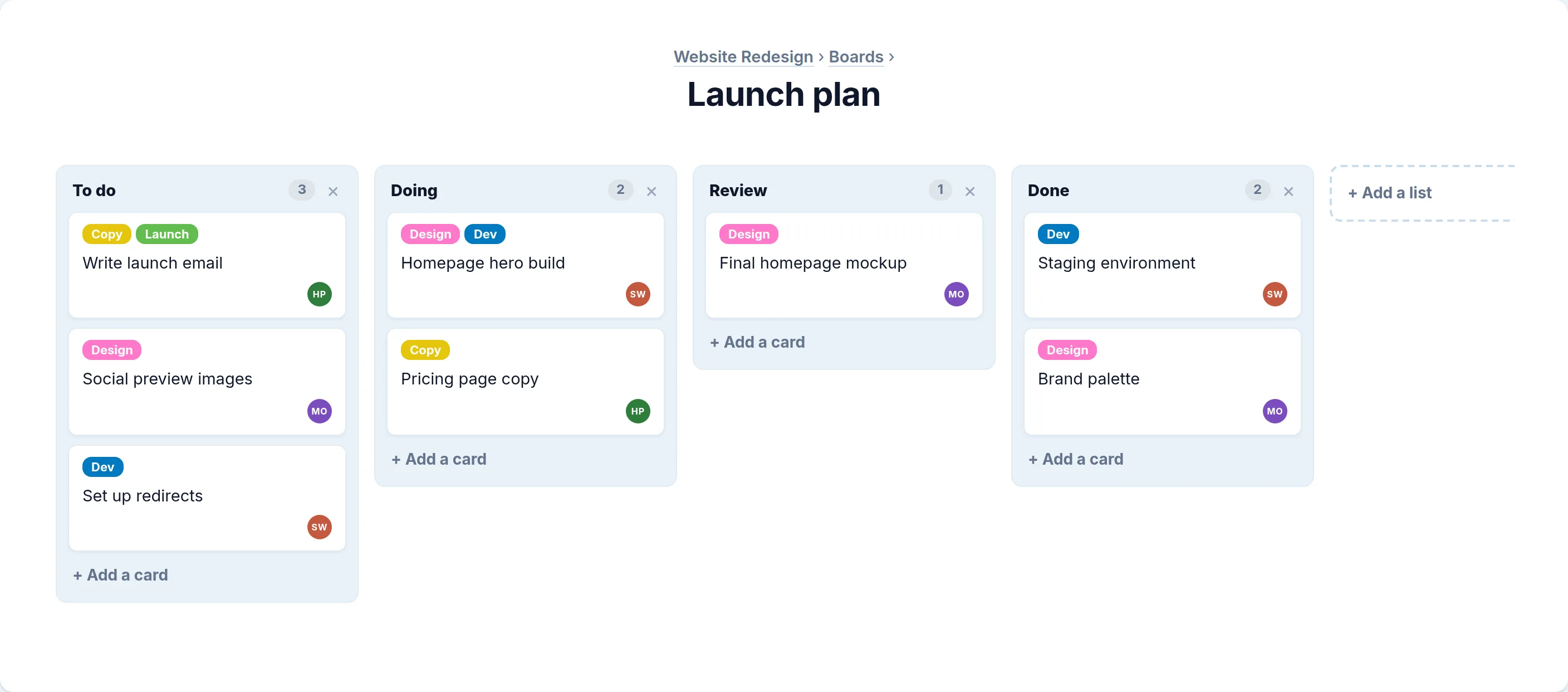
Kanban Boards

Visualize your workflow

Organize work into columns that represent your process. Drag cards between lists as tasks progress from idea to completion.

  • Smooth drag-and-drop between lists
  • Reorder lists and cards with ease
  • Create unlimited boards and lists
Sprint Planning
Backlog 4

User authentication

Dashboard redesign

In Progress 2

API integration

Done 6

Setup CI/CD

Drag & drop

Move cards easily

Feature in In Progress

Build checkout flow

Sub-tasks

To Do

Payment gateway
Order summary

Done

Cart page
1/3

Task completed

Cart page done

Sub-tasks

Break work into smaller pieces

Complex tasks become manageable when you break them down. Create mini kanban boards within any card to track sub-tasks and see progress at a glance.

  • Nested kanban boards inside cards
  • Check off completed items
  • Create multiple lists per card
Trello Import

Switch from Trello in seconds

Export your Trello board as JSON and import it directly into Polarboard. Your lists, cards, checklists, and attachments come along for the ride.

  • Import boards, lists, and cards
  • Checklists become sub-tasks
  • Attachments are downloaded automatically

Import from Trello

Upload your JSON export

Preview: Product Roadmap

Lists: 5
Cards: 24
Checklists: 8
Attachments: 12
Attachments

design-mockup.png

2.4 MB

requirements.pdf

856 KB

data-export.csv

124 KB

File uploaded

design-mockup.png

File Attachments

Keep files with your work

Attach images, documents, and files directly to cards. Everything your team needs stays in one place, right where the work happens.

  • Upload images, PDFs, and documents
  • Download files with one click
  • Up to 10MB per file
Team Collaboration

Work together seamlessly

Invite your team, assign tasks, and collaborate in real-time. Everyone stays on the same page with comments, mentions, and activity tracking.

  • Invite unlimited team members
  • Assign cards to team members
  • Real-time updates across the board
Team 8 members

Sarah Chen

Product Manager

Alex Rivera

Developer

Emily Park

Designer

Jordan joined

Just now

Custom Statuses
Backlog 12
In Progress 5
In Review 3
Testing 2
Done 24
Custom Statuses

Labels that fit your workflow

Create custom statuses with colors that match your process. Whether you're tracking priority, progress, or project phase, Polarboard adapts to you.

  • Create unlimited custom statuses
  • Choose from 18 vibrant colors
  • Quick status updates from any card
Icebergs

Extend with powerful integrations

Icebergs are third-party integrations that supercharge your boards. From time tracking to AI assistants, connect your boards to the tools you already use.

  • Browse curated integrations from our directory
  • Connect with one click via secure OAuth
  • Build your own with our Developer Portal
Connected Icebergs

Time Tracker Pro

Tracking 12h 34m this week

AI Card Summarizer

8 cards summarized today

Slack Notifier

Sends to #product-updates

And so much more

Everything you need to manage projects, nothing you don't.

Comments

Discuss tasks with your team directly on cards. Keep conversations in context.

Activity Log

Track every change with a detailed activity timeline. Know who did what and when.

Workspaces

Organize boards into workspaces. Keep client work separate from internal projects.

Real-time Updates

See changes instantly. When teammates move cards or add comments, you see it live.

Archive

Keep boards clean by archiving completed work. Restore items anytime you need them.

Rich Descriptions

Add detailed descriptions to cards. Document requirements, specs, and context.

Ready to try Polarboard?

Join thousands of teams who've already made the switch. Get started today—no credit card required.